Agent Chrome Bridge
Last updated: November 16, 2026
A free, open-source bridge giving local AI coding assistants (Google Antigravity, Claude Code, Cursor, Codex) the ability to interact directly with your existing Google Chrome browser where your sessions and developer logins already exist.
Why This Matters
Standard AI sandboxes (such as headless Playwright containers) boot an empty browser instance with no stored logins, cookies, or extensions. When you ask an agent to check Search Console impressions, inspect GitHub pull requests, or debug Cloudflare DNS, it is stopped by login screens and two-factor authentication gates.
Agent Chrome Bridge bridges this gap: the Chrome extension attaches locally via the Chrome DevTools Protocol (CDP). The agent views your open tabs, inspects interactive elements, and dispatches trusted input events directly in your active browser session.
How the Agent Sees Your Browser
Rather than struggling with brittle CSS selectors, the look command labels all actionable buttons and inputs with numeric tags ([1], [2]), while the shot command exports an annotated JPEG snapshot featuring the virtual cursor position.
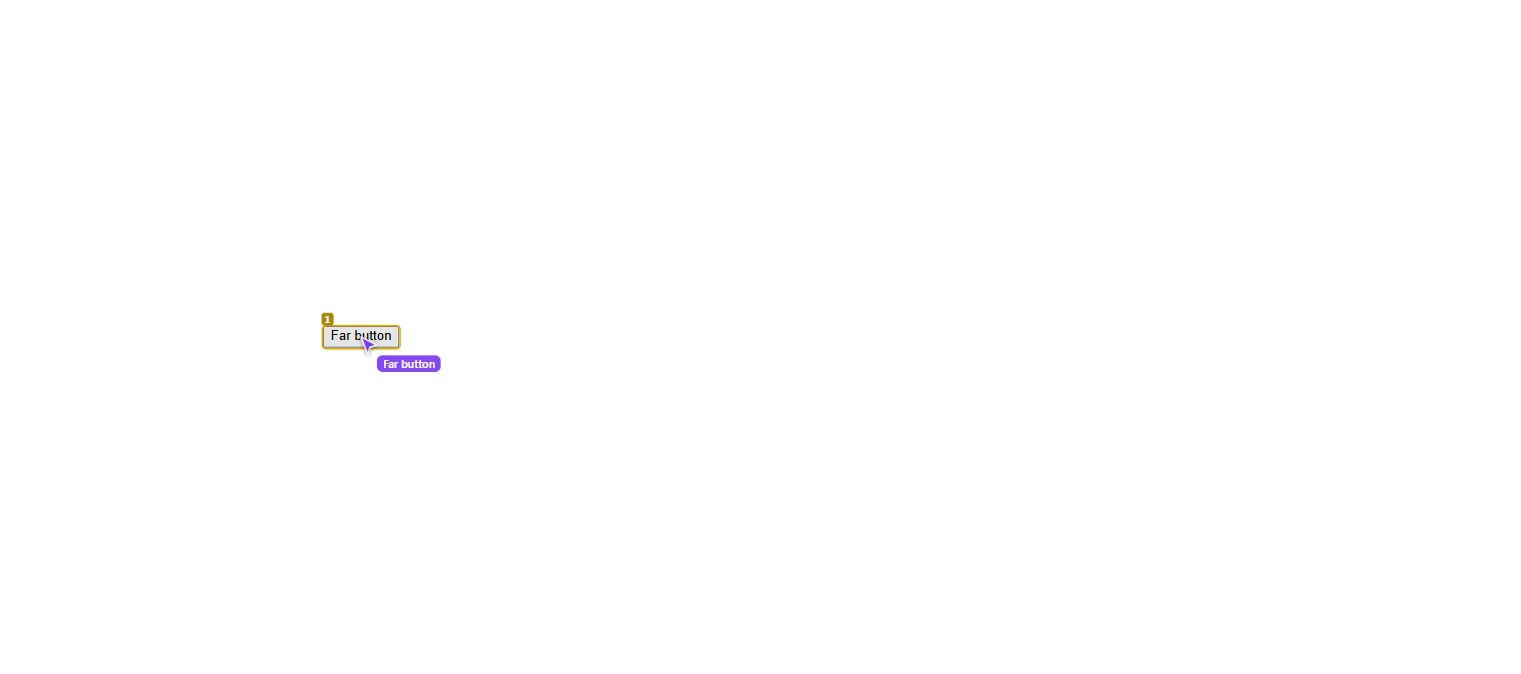
Self-test snapshot: visual element tags and real-time cursor indicator overlaid on page components.
5-Step Quick Setup
- Download the package: get agent-chrome-bridge-2.2.0.zip or clone from GitHub.
- Open Chrome Extensions: navigate to
chrome://extensionsand toggle on Developer mode in the top-right corner. - Load Unpacked: click Load unpacked and select the
extension/folder. - Start Daemon: double-click
start.bat(Windows) or execute./start.sh(macOS / Linux). The script verifies Python 3.9+ and starts the server on127.0.0.1:8766. - Run Verification: open a terminal and execute:
All 12 end-to-end tests will complete with 12/12 PASS.python server/br.py selftest
CLI Reference (`br.py`)
python server/br.py status— check server connection and active tab details.python server/br.py open <url>— open a URL in a dedicated agent tab.python server/br.py look— read page text and numbered interactive elements.python server/br.py shot— take an annotated screenshot stored inserver/shots/.python server/br.py click <N>— click element numberNusing trusted CDP events.python server/br.py type <N> "text"— focus elementNand type text (supports--enter).python server/br.py key <Enter|Tab|Escape>— dispatch a keyboard keypress.python server/br.py scroll down [px]— scroll viewport up or down.python server/br.py hover <N>— hover mouse cursor over elementN.python server/br.py drag <A> <B>— drag elementAonto elementB.
Security & Safety Boundaries
- Strictly Localhost: the daemon binds solely to loopback
127.0.0.1:8766. No browsing state or screenshots ever leave your computer. - Origin Isolation: the WebSocket handshake validates the Chrome extension ID, rejecting unauthorized requests from external web pages.
- Human-in-the-Loop: agents must never handle CAPTCHAs, master passwords, or payment authorization. You complete authentication, and the agent continues the work.
- Restricted Pages: Chromium policies restrict extensions from debugging internal URLs (
chrome://and Chrome Web Store pages).
Frequently Asked Questions
Does it work with Claude Code, Cursor, and Antigravity?
Yes. Any local agent with CLI execution permissions can run python server/br.py <command>. Copy the ready-made prompt from AGENT_RULES.md into your agent instructions.
Why not use Playwright or Puppeteer directly?
Playwright spawns a clean profile by default. Agent Chrome Bridge attaches to your running browser where your daily accounts and 2FA authentications are already unlocked.
What is the yellow debugger banner in Chrome?
This is standard Chromium behavior whenever Chrome DevTools Protocol attaches to a tab. It confirms that mouse and keyboard events are dispatched at the engine level.